Reward modes: none, points, currency
Applies to 1.6 updatedNestino can reward completed tasks in three ways: not at all, with points, or with real currency. The reward mode is a setting for the whole family, not a single task, and only an admin can change it.
Where to find the mode
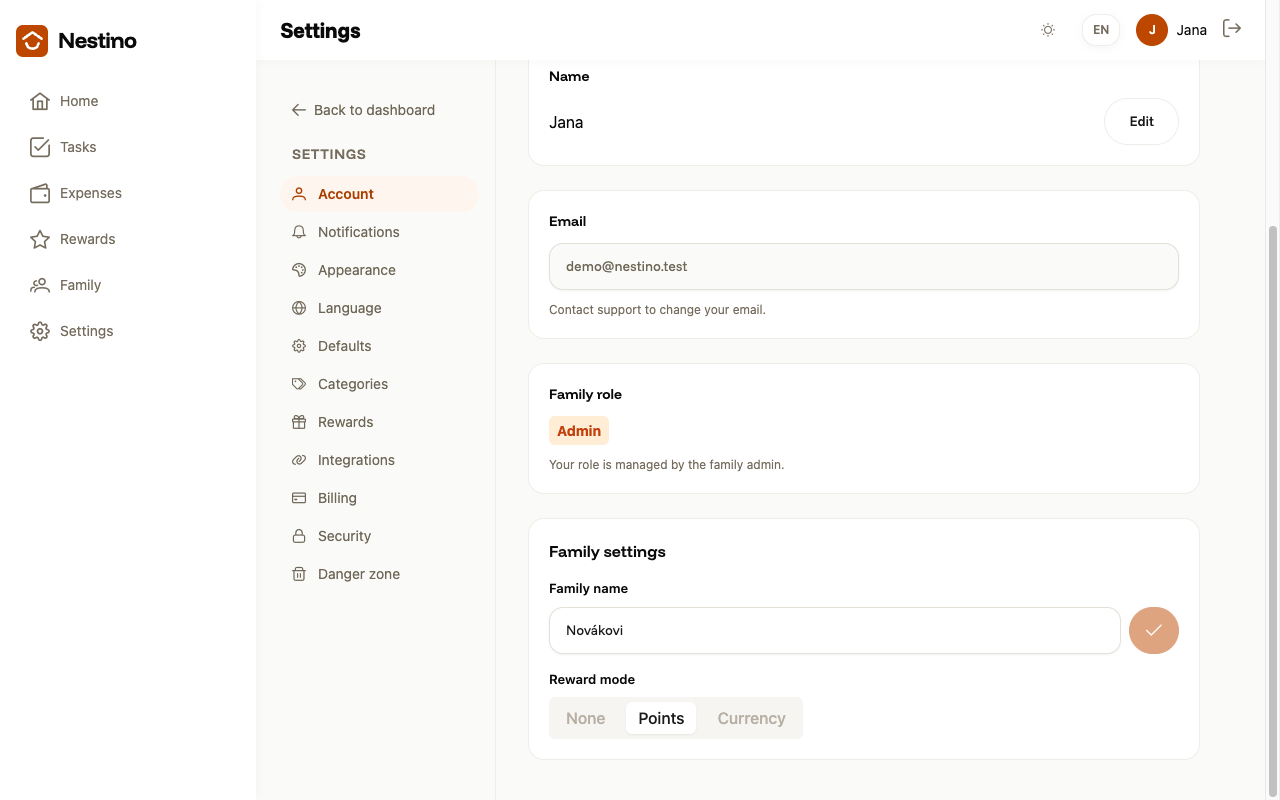
- Open Settings → Account.
- Scroll down to the Family settings card.
- There you’ll find the Reward mode switch with three options: None, Points, Currency.
It isn’t on the Settings → Rewards page — that page only sets suggested points by task difficulty, see Default point values. Only the admin sees the Family settings card; a parent or any other member does not have it in Settings.
What each mode means
| Mode | Reward value field on a task | Balances on the Rewards page |
|---|---|---|
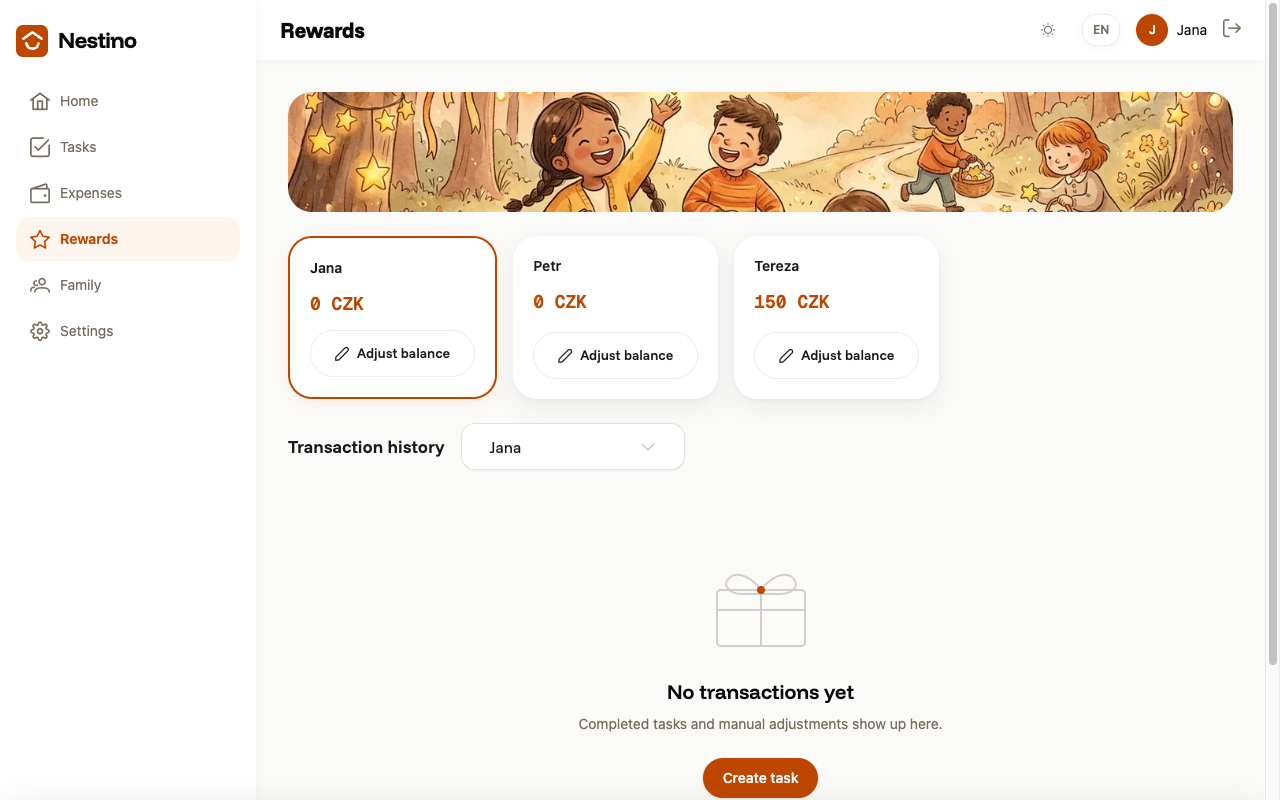
| None | doesn’t appear at all | stay, but all at zero |
| Points | to fill in, in points | in points |
| Currency | to fill in, in currency | in the amount of the chosen currency, default CZK |
How points or money actually appear in a balance, and how to adjust a balance by hand, is covered in How points are earned and adjusted.
What switching will cost you
Clicking another option doesn’t change the mode right away — a confirmation dialog titled “Change the reward mode?” opens first. The dialog says the switch cannot be undone, and lists the current balance of every member, all of which reset to zero (if nobody has a balance yet, the dialog says so and reassures you that nothing is lost). If you’re switching to None, the dialog also states that the reward value will be cleared from every existing task and every recurring task template.
Confirm with the Switch mode button, or cancel with the Cancel button — the mode then stays as it was.
What happens after switching
After confirmation, balances are calculated only from transactions created since the moment of the switch, so every member starts again from zero. If you switch to Currency and a currency code has never been set, the default CZK is saved and a Currency code field appears where you can change it. Switching to Points, on the other hand, clears the currency code again.